Guides
Look natural on camera. Present with confidence.
Practical guides for eye contact, video call setups, scroll speed, script structure, and discreet note placement.
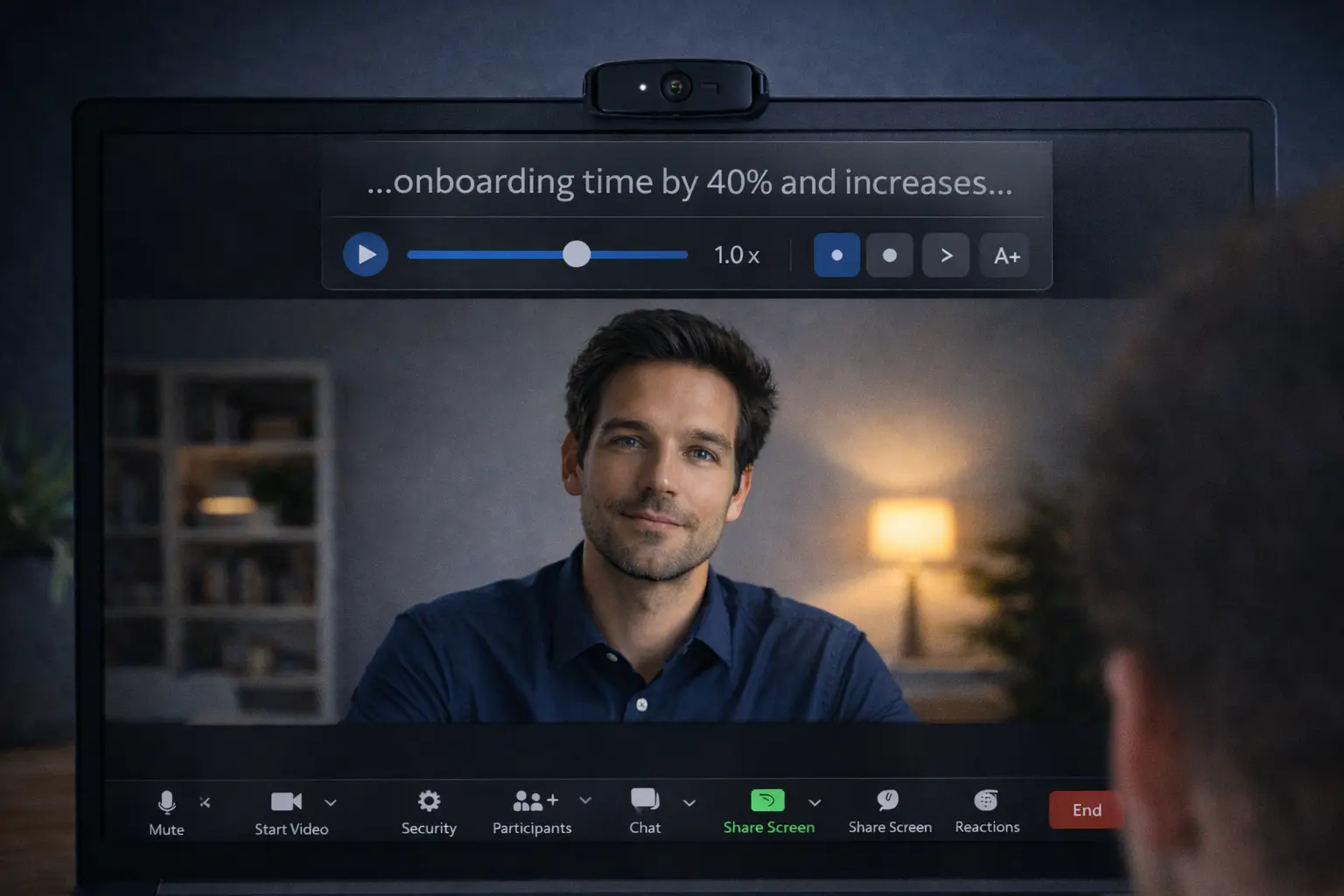
Communication
How to Read Notes on Zoom Without Looking Down
A practical guide to using notes on Zoom without looking distracted. Fix your screen layout, shorten your notes, and keep your eyes near the camera.
Read guideWebinars
How to Present Webinars with Teleprompter Notes (Without Looking Distracted)
Learn how to present live webinars on Zoom, Teams, or YouTube Live using floating teleprompter notes directly under your webcam.
7 min read →
NEW · Voice Sync
Voice-Synced Teleprompters: Hands-Free Scrolling for Video Calls
Learn how speech-tracking teleprompters follow your natural speaking cadence on Zoom, Teams, and Meet with zero mouse interaction.
6 min read →
Eye Contact
How to Maintain Natural Eye Contact on Video Calls
Discover camera anchor techniques and window placement strategies to stay connected with your audience.
6 min read →
Delivery
How to Read a Teleprompter Script Naturally
Learn vocal pacing, natural pausing techniques, and how to write spoken-word cues.
7 min read →
Setup
Where to Place Your Notes During Video Calls
Single monitor vs dual monitor note positioning strategies for Zoom, Teams, and Meet.
5 min read →
Technique
Mastering Teleprompter Scroll Speed and Pacing
Find your ideal word-per-minute speed and use voice-aware auto-pausing effectively.
5 min read →
Readability
Choosing the Best Font Size and Opacity for Teleprompters
Optimize contrast, line height, and overlay transparency to avoid squinting on camera.
4 min read →
Preparation
Full Script vs. Talking Points: Which Should You Use?
When to use verbatim scripts versus bulleted talking points for live calls and presentations.
6 min read →
Microsoft Teams
How to Present on Microsoft Teams with Discreet Notes
A complete walkthrough for managing PowerPoint, presenter view, and overlay notes on Teams.
8 min read →
Google Meet
How to Present on Google Meet with Notes
Present Google Slides on a single monitor while keeping your private speaker notes right below your webcam.
6 min read →
Interviews
How to Use Notes in a Video Job Interview Without Getting Caught
Keep STAR method examples and story anchors right beside your camera for confident answers.
7 min read →
Comparison
Teleprompter vs. Notes App for Video Calls
Why traditional notes apps or dual monitors fail on Zoom calls — and how floating overlays keep your focus aligned.
5 min read →
Setup
Best Teleprompter Settings for Zoom, Teams & Google Meet
Optimize window dimensions, font sizes, opacity, and scroll speeds for effortless teleprompter reading.
5 min read →